> ## Documentation Index
> Fetch the complete documentation index at: https://docs.iearena.org/llms.txt
> Use this file to discover all available pages before exploring further.
# View job results
> Browse jobs, inspect trials, and compare results locally.
Harbor includes a local web viewer for job/trial results.
## Start the viewer
Point it at your jobs directory:
```bash theme={"system"}
harbor view jobs
```
Harbor opens the first available port from `8080` to `8089` and prints the
viewer URL. The default is `http://127.0.0.1:8080`.
Use another result directory or port when needed:
```bash theme={"system"}
harbor view /path/to/jobs --port 9000
```
Keep the command running while the viewer is open.
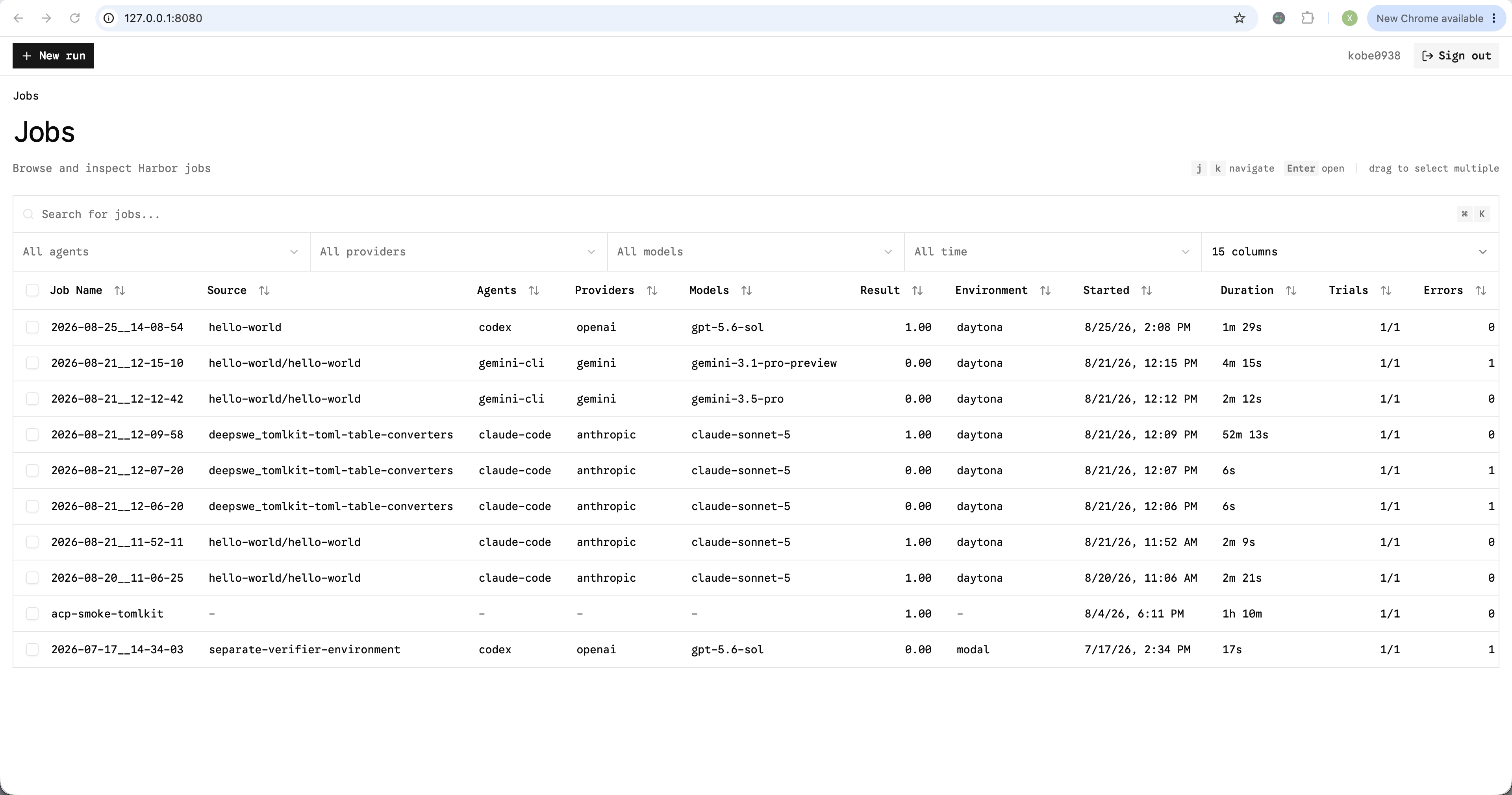
Landing page is a job list.
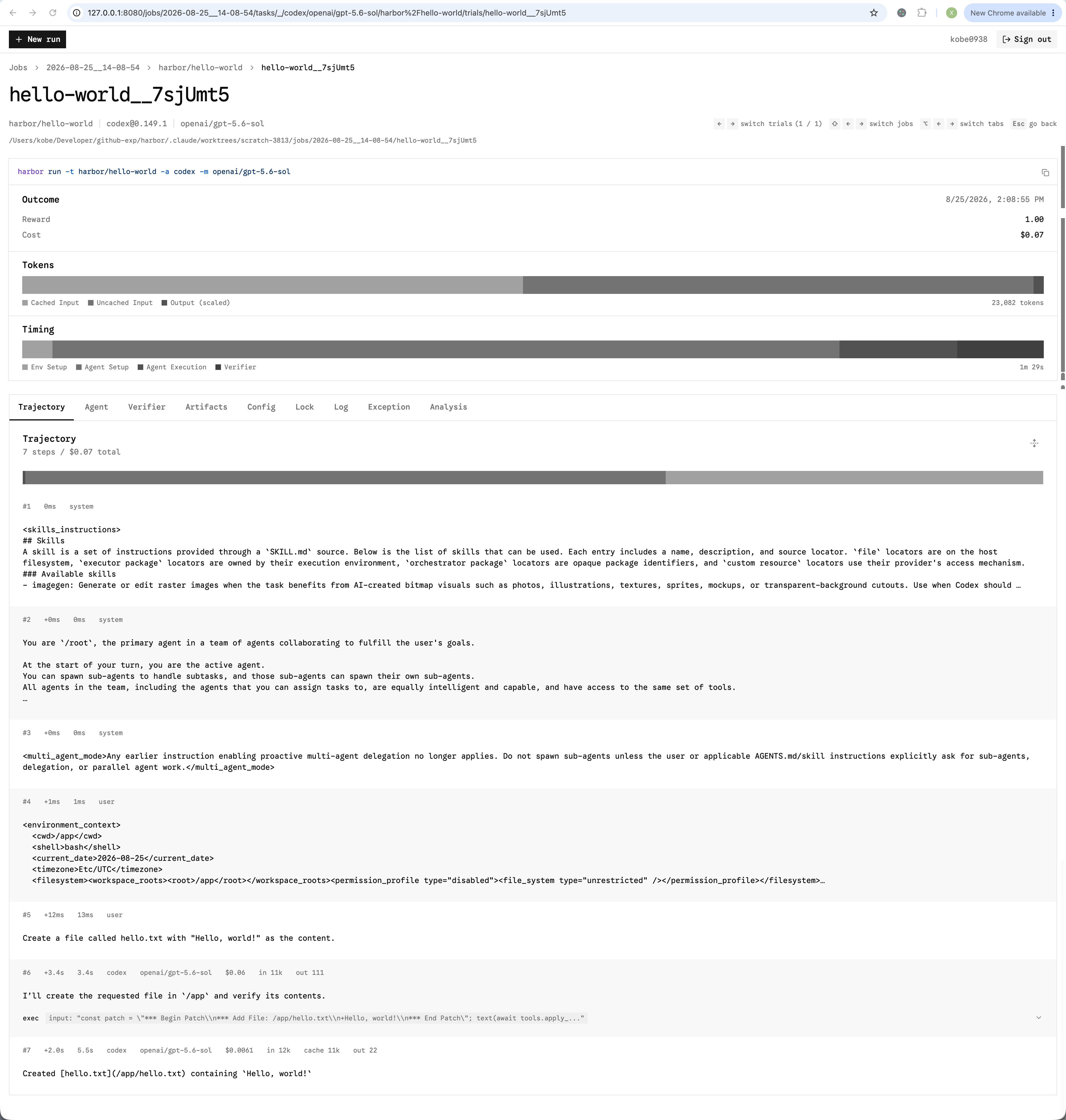
 You may click into a job to see its trial details.
 ## Keyboard shortcuts
| View | Keys |
| ------------------ | -------------------------------------------------------- |
| Job and task lists | `j` / `k` to navigate, `Enter` to open, `Esc` to go back |
| Trial | `←` / `→` to switch trials |
| Trial | `Shift` + `←` / `→` to switch jobs |
| Trial | `Alt` (`Option` on macOS) + `←` / `→` to switch tabs |
### Trial files
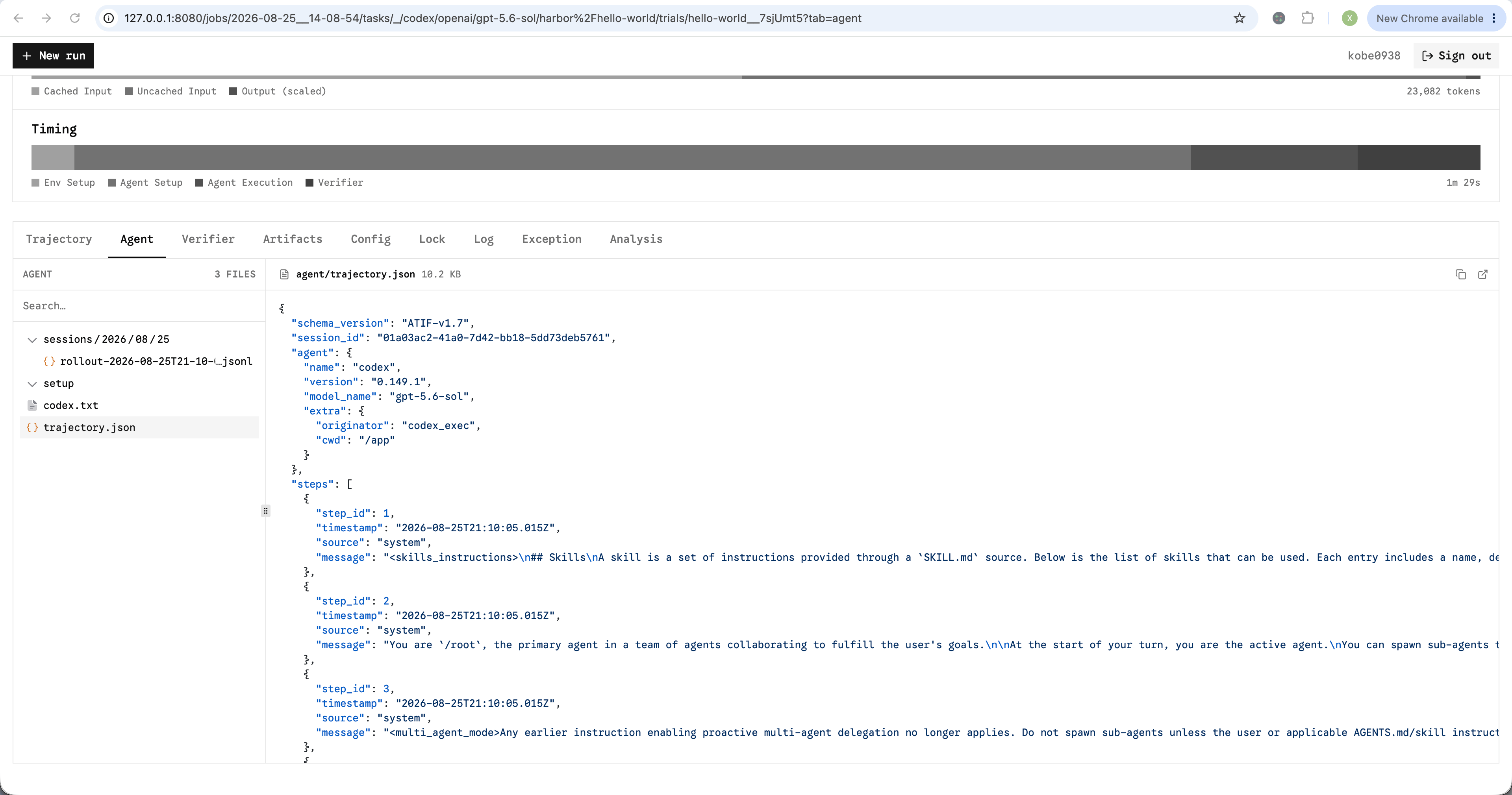
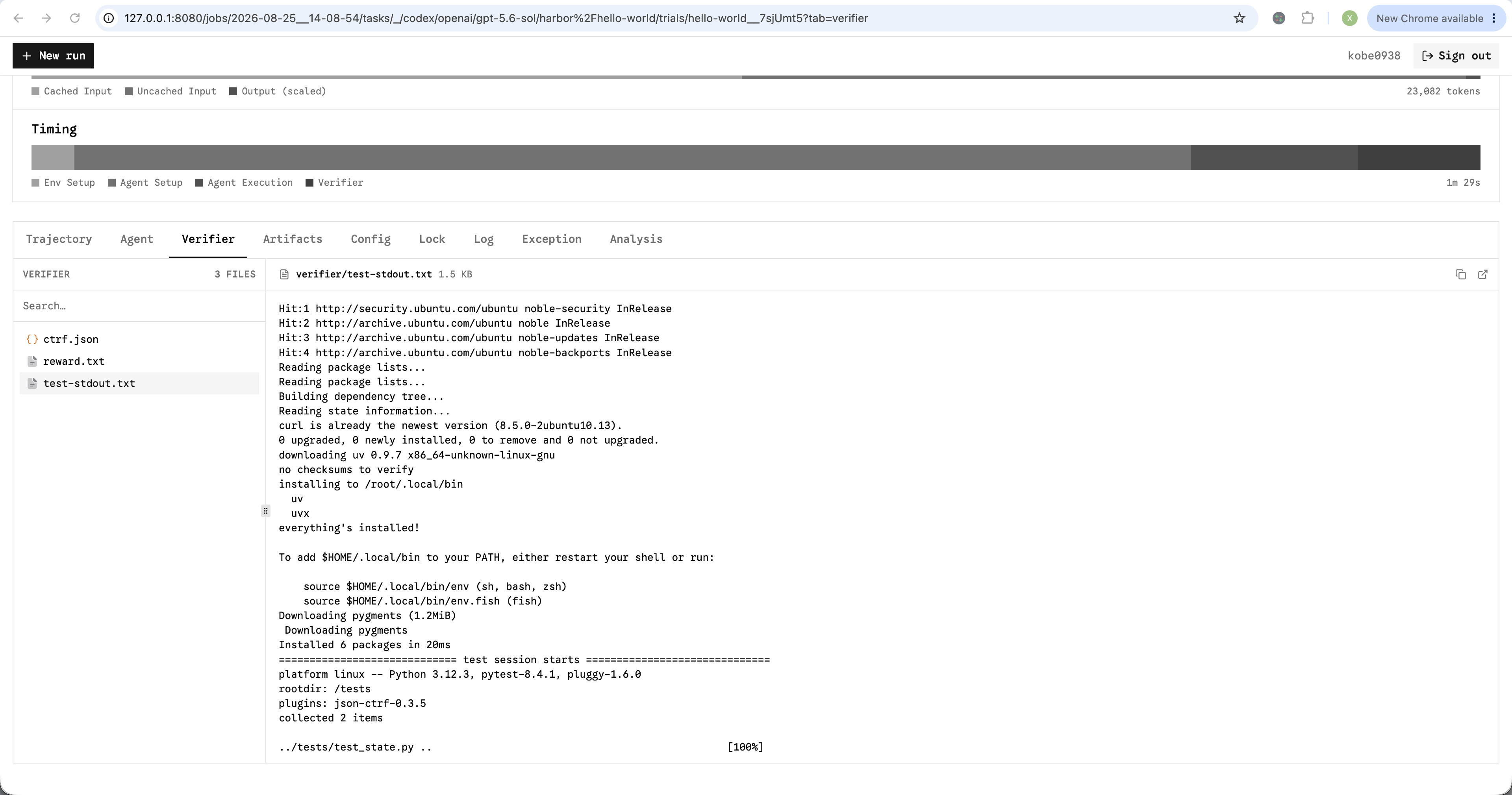
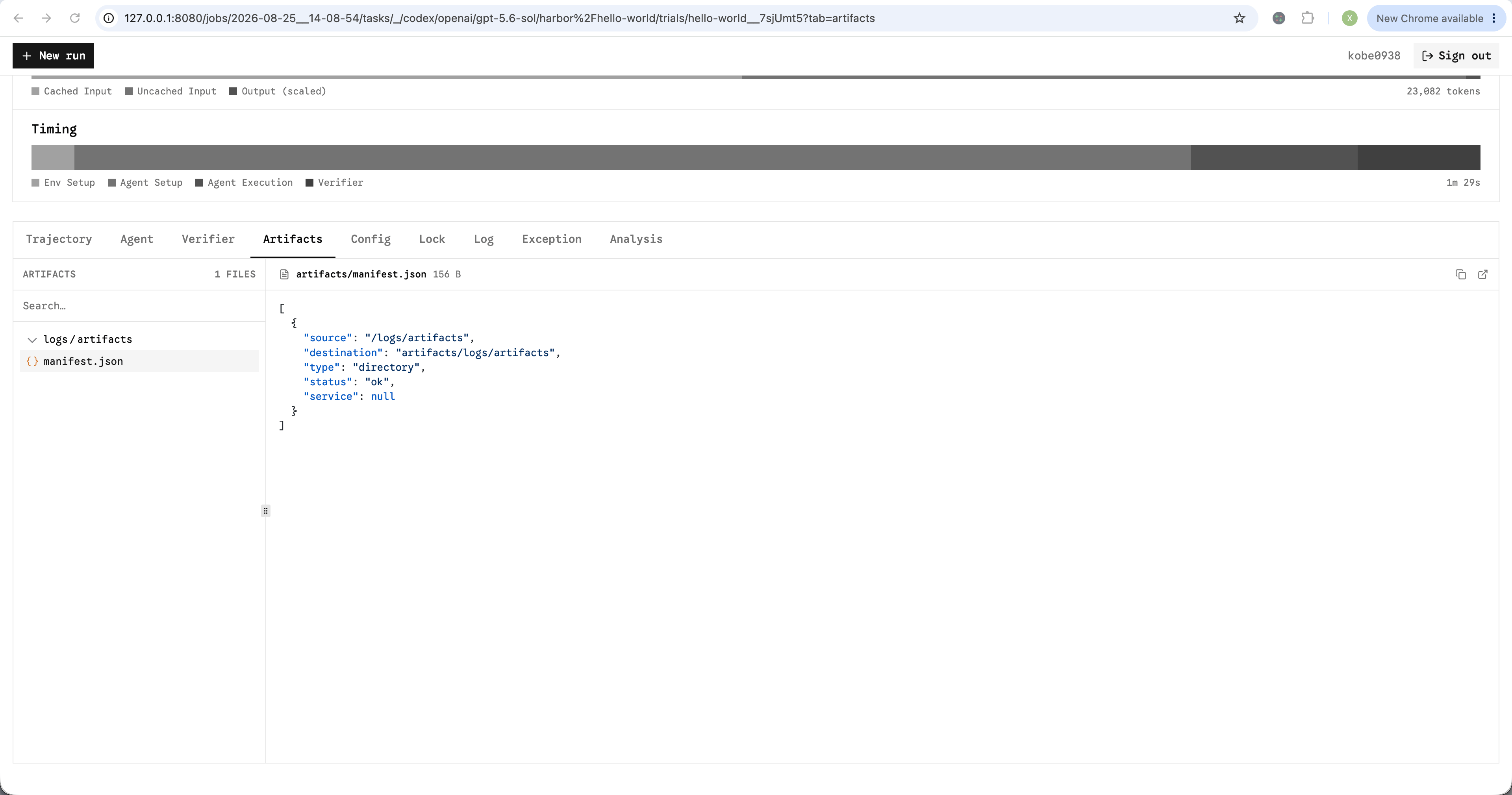
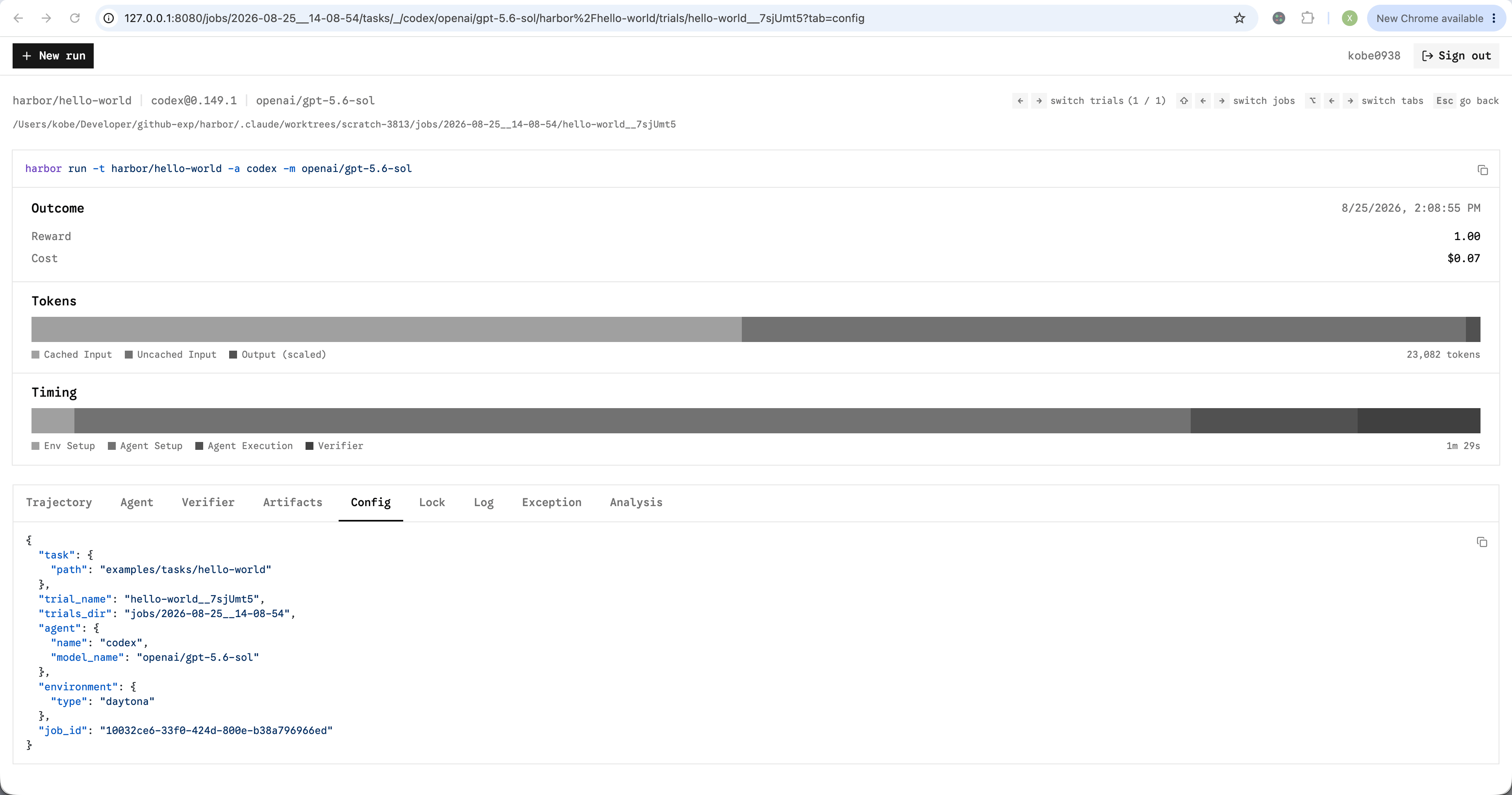
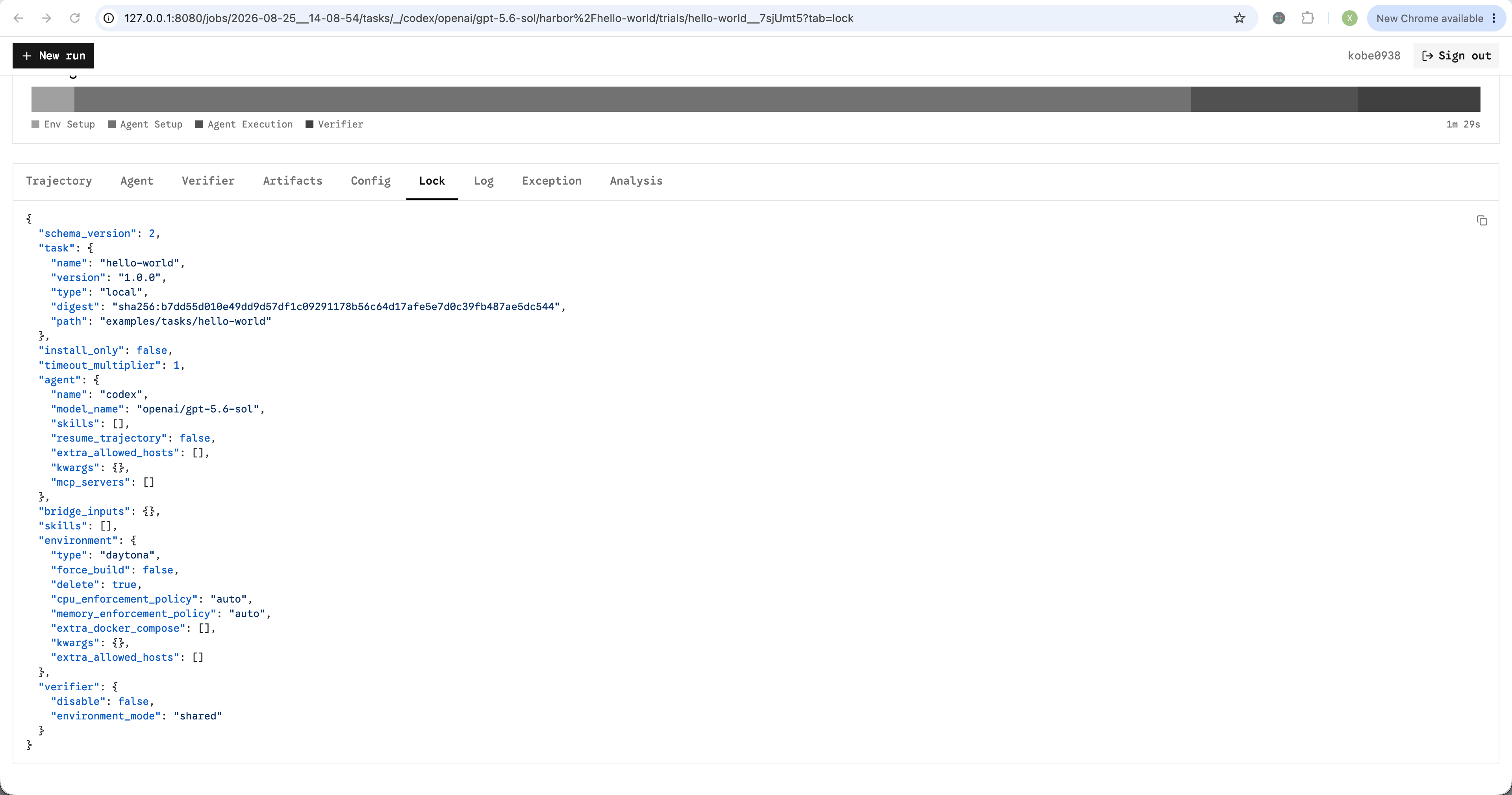
Files generated by the agent, verifier, and artifact collection are available in the trial viewer. The viewer shows the file tree and a preview of text files. You may download any file.
## Keyboard shortcuts
| View | Keys |
| ------------------ | -------------------------------------------------------- |
| Job and task lists | `j` / `k` to navigate, `Enter` to open, `Esc` to go back |
| Trial | `←` / `→` to switch trials |
| Trial | `Shift` + `←` / `→` to switch jobs |
| Trial | `Alt` (`Option` on macOS) + `←` / `→` to switch tabs |
### Trial files
Files generated by the agent, verifier, and artifact collection are available in the trial viewer. The viewer shows the file tree and a preview of text files. You may download any file.
 ## Run from the viewer
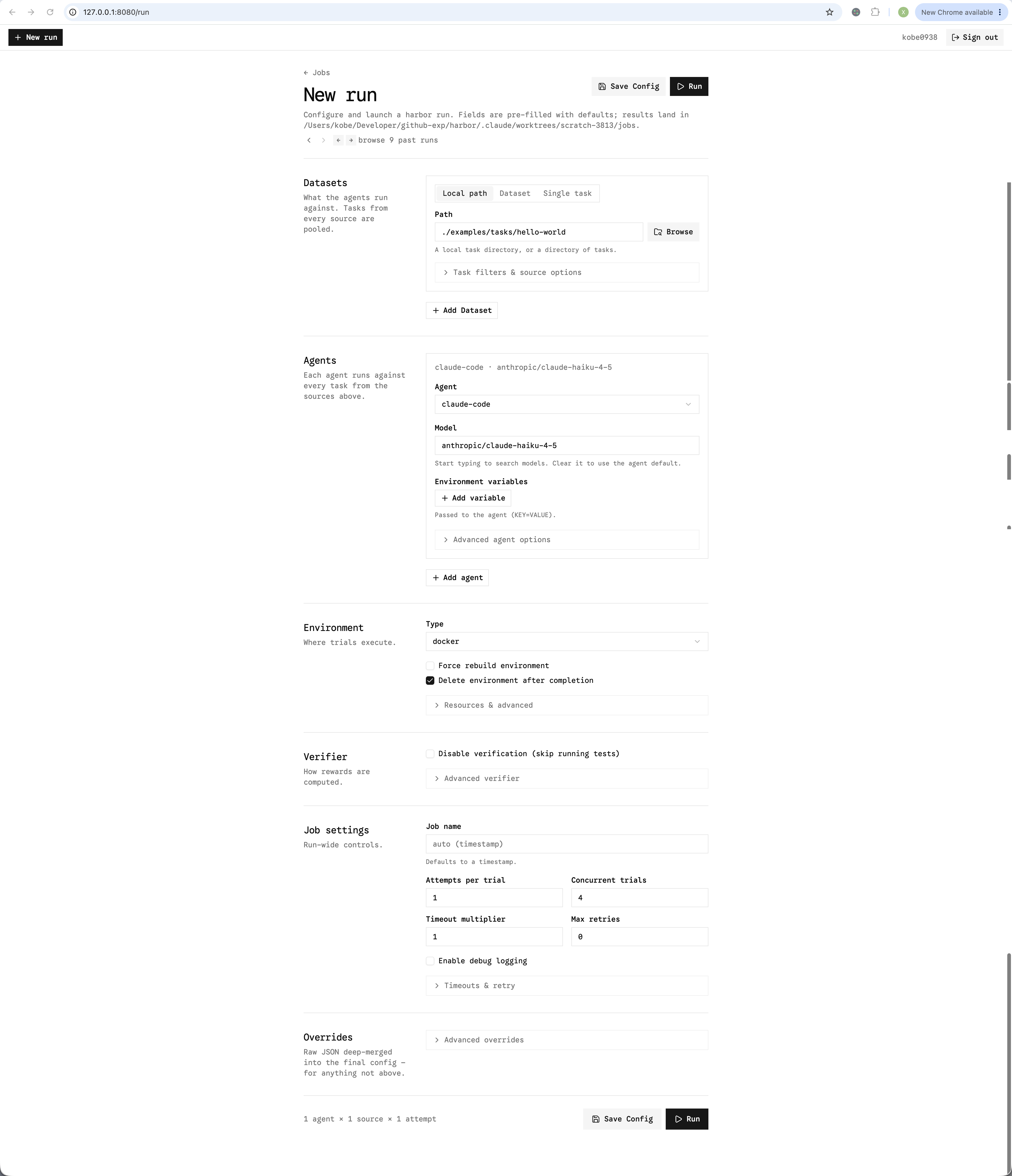
Click **New run** on top left to configure and launch a job without writing a CLI command. Or access [http://127.0.0.1:8080/run](http://127.0.0.1:8080/run) directly. Use `←`, `→` to load the previous or next job configuration.
## Run from the viewer
Click **New run** on top left to configure and launch a job without writing a CLI command. Or access [http://127.0.0.1:8080/run](http://127.0.0.1:8080/run) directly. Use `←`, `→` to load the previous or next job configuration.