

Start the viewer
Point it at your jobs directory:8080 to 8089 and prints the
viewer URL. The default is http://127.0.0.1:8080.
Use another result directory or port when needed:
Keep the command running while the viewer is open.
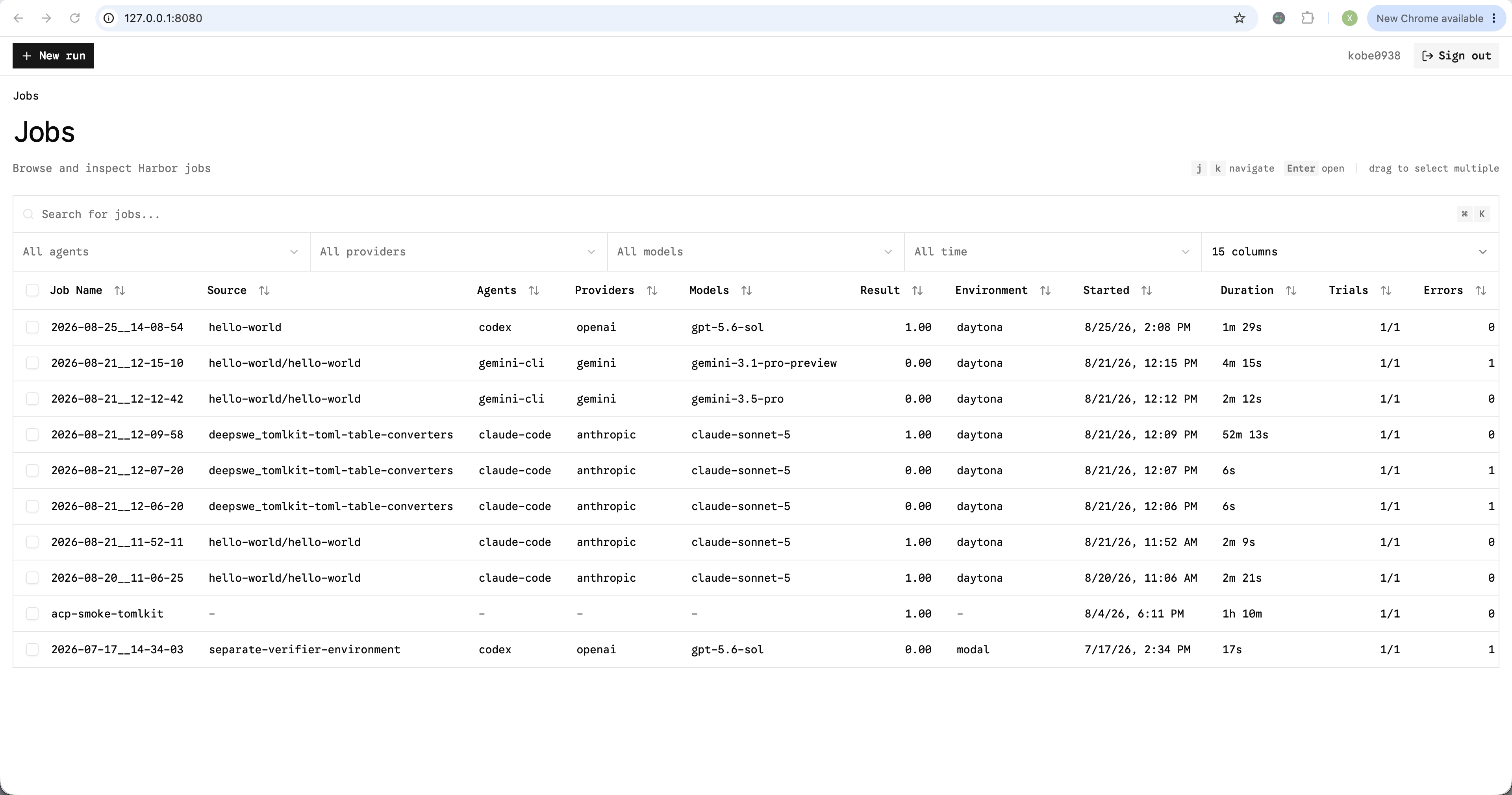
Browse jobs
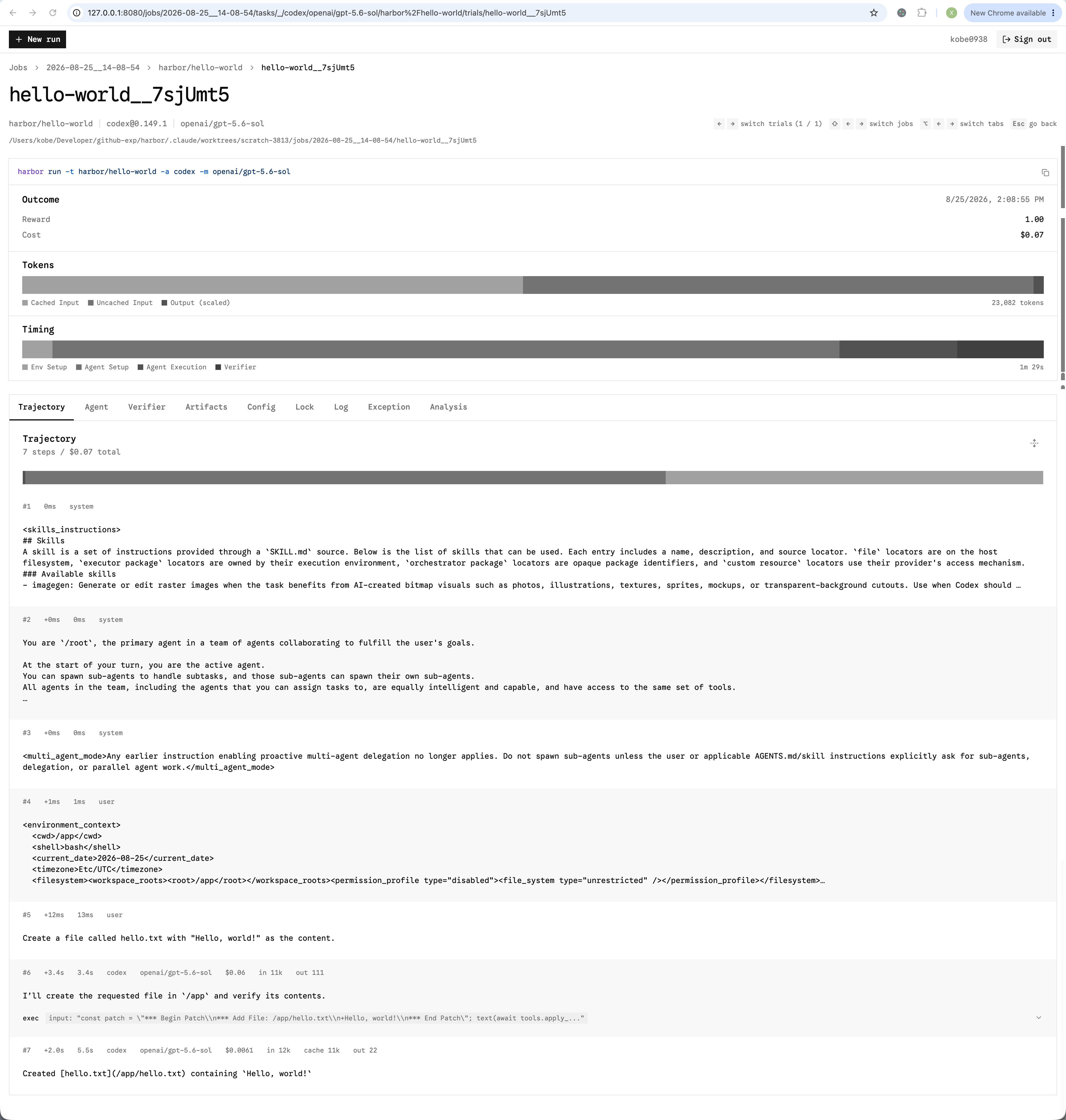
Inspect a trial's trajectory, reward, cost, and timing
Keyboard shortcuts
Trial files
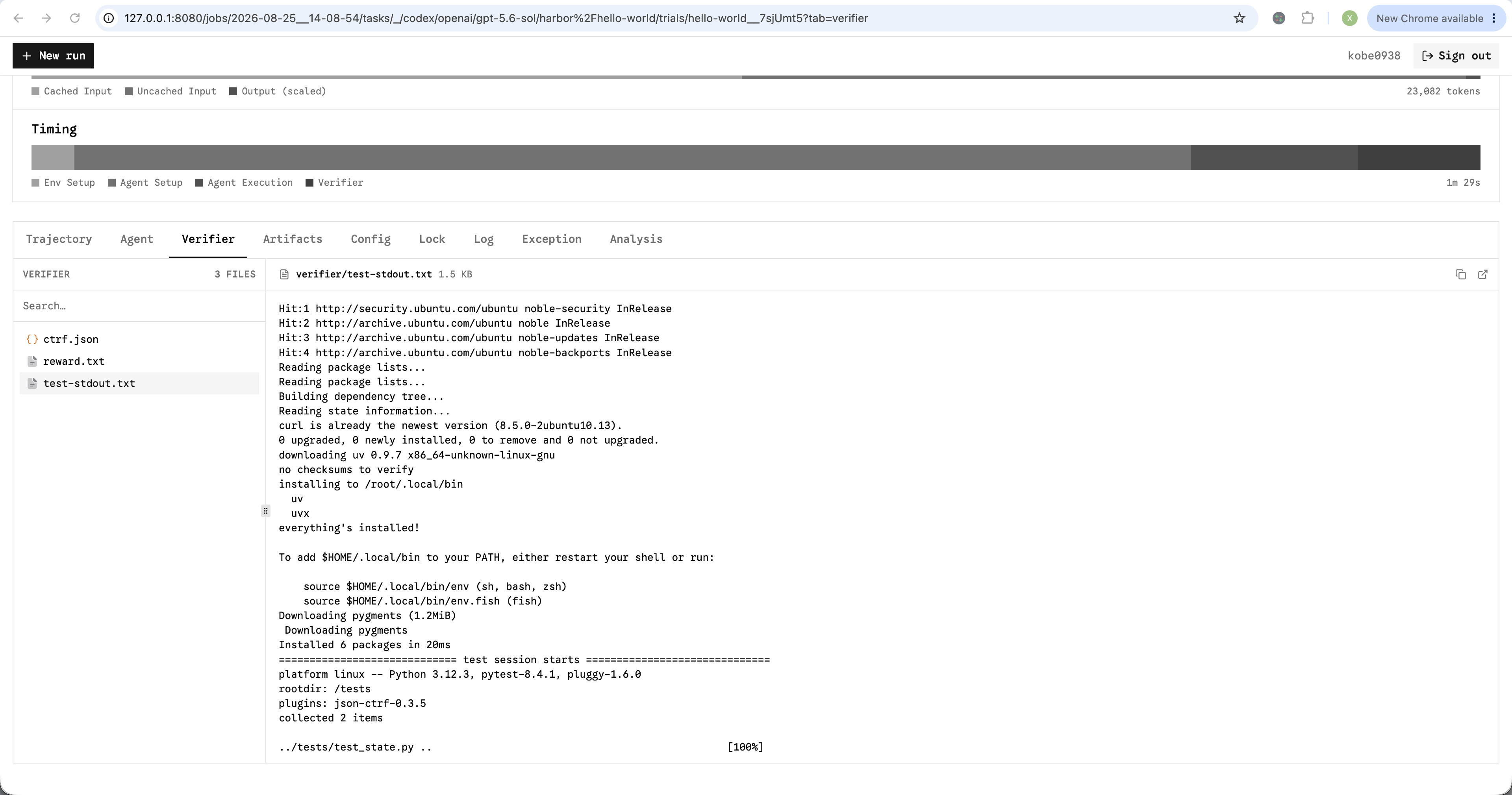
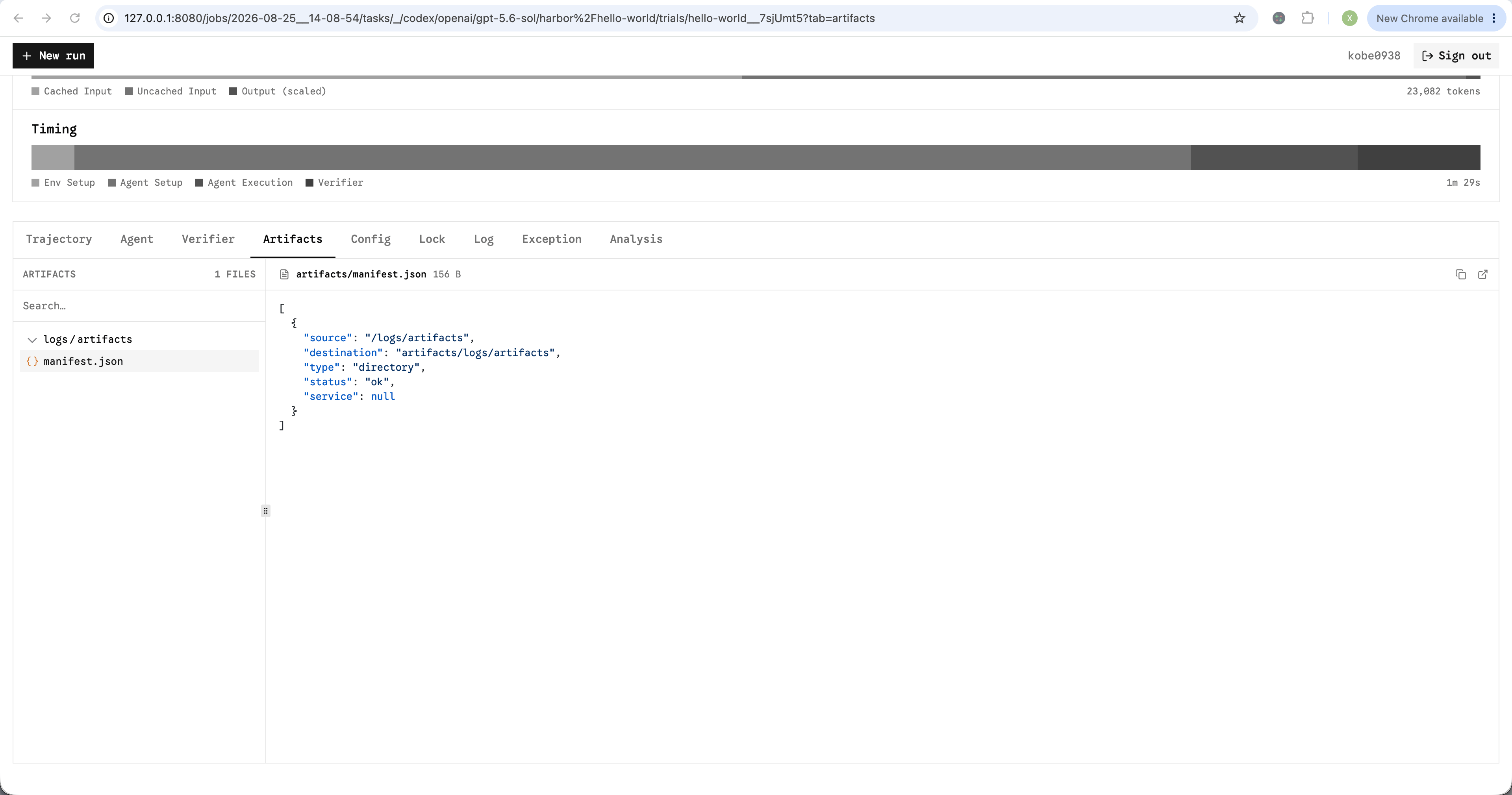
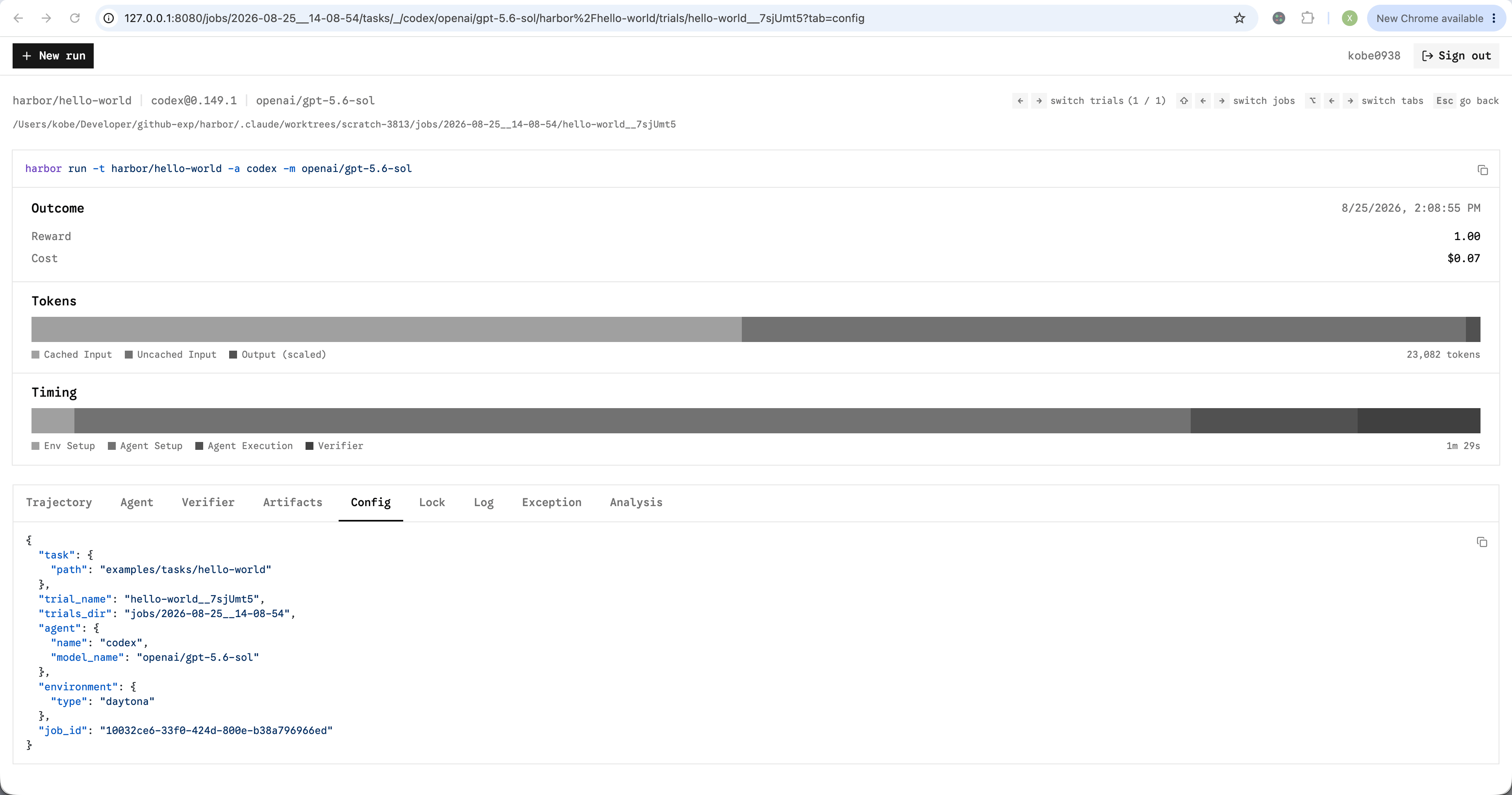
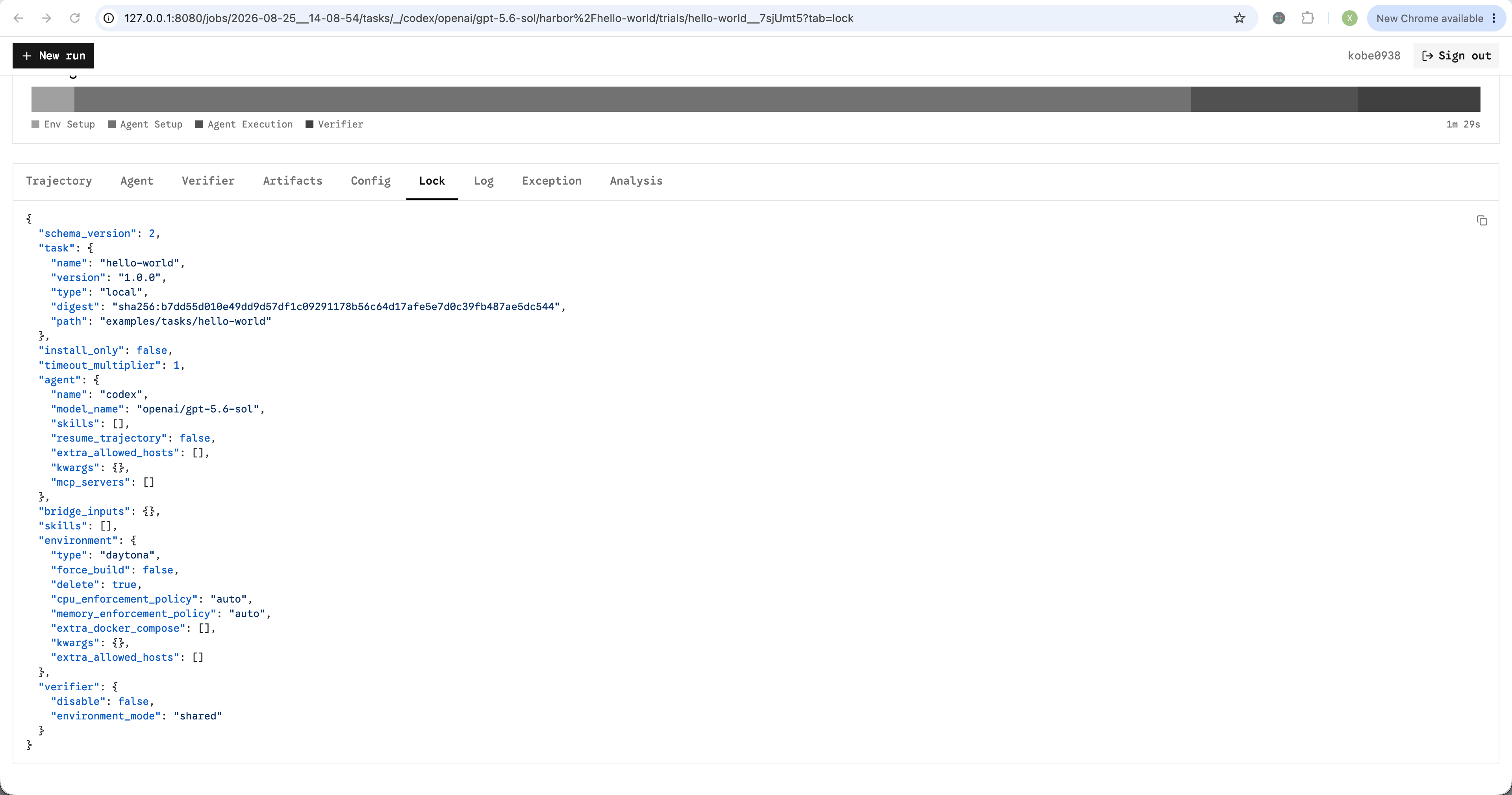
Files generated by the agent, verifier, and artifact collection are available in the trial viewer. The viewer shows the file tree and a preview of text files. You may download any file.- Agent
- Verifier
- Artifacts
- Config
- Lock
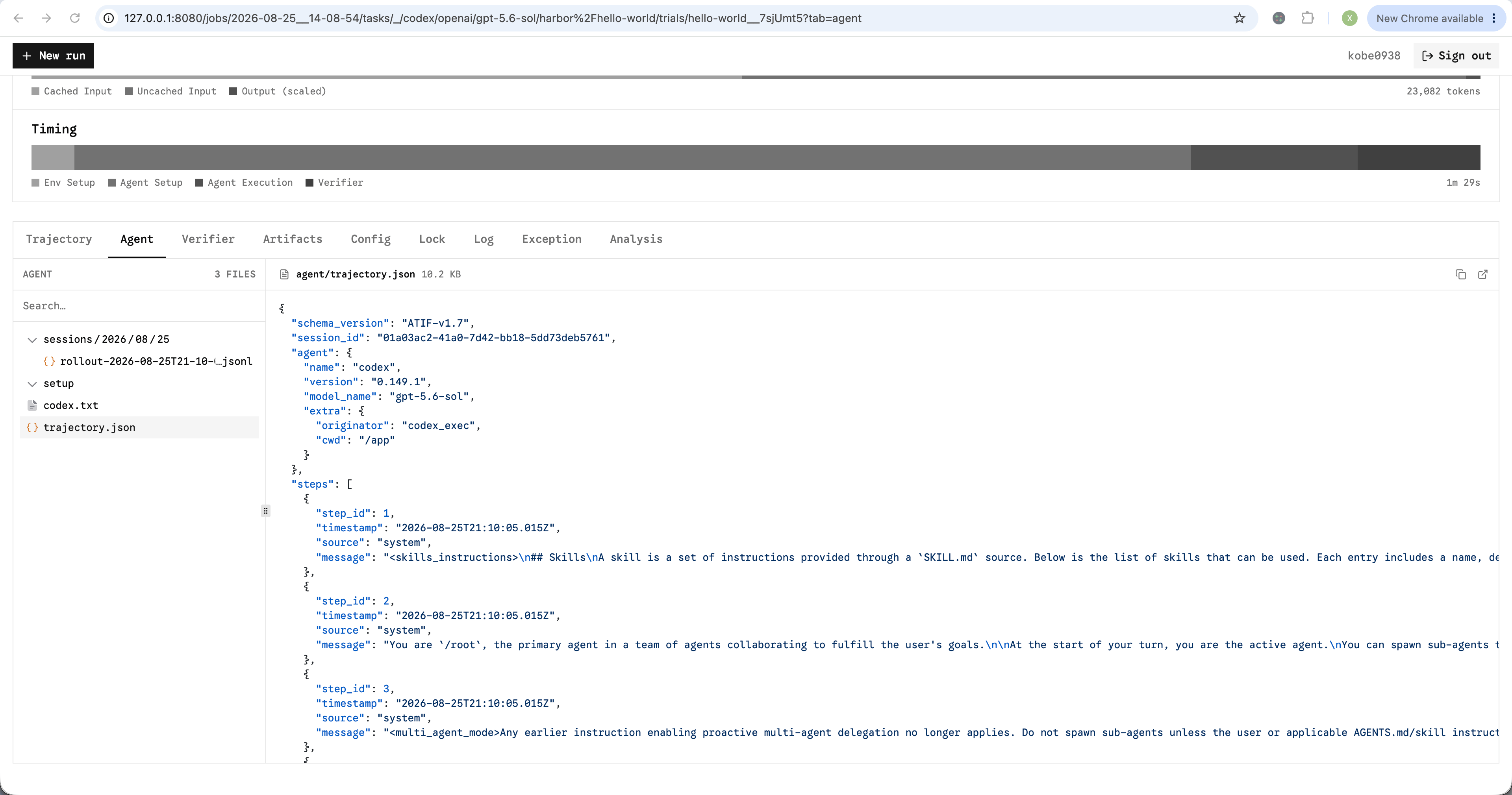
Agent output
Run from the viewer
Click New run on top left to configure and launch a job without writing a CLI command. Or access http://127.0.0.1:8080/run directly. Use←, → to load the previous or next job configuration.
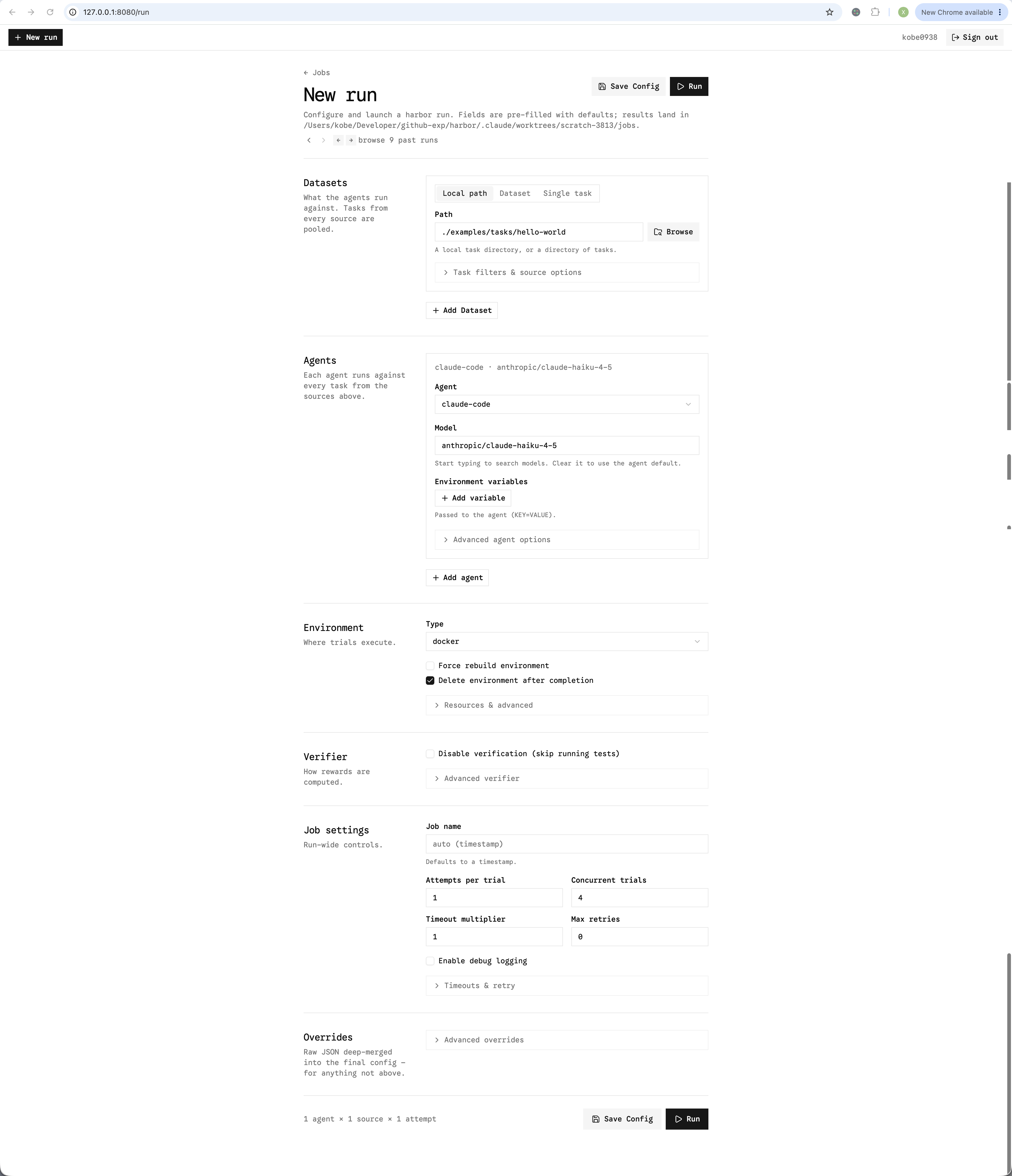
Configure a new run